Explore our range of resources
Guides and video's to help you get the very best out of Pleo


Getting started webinars
Join our weekly live onboarding session, where our experts will show you the ropes and answer all your burning questions.

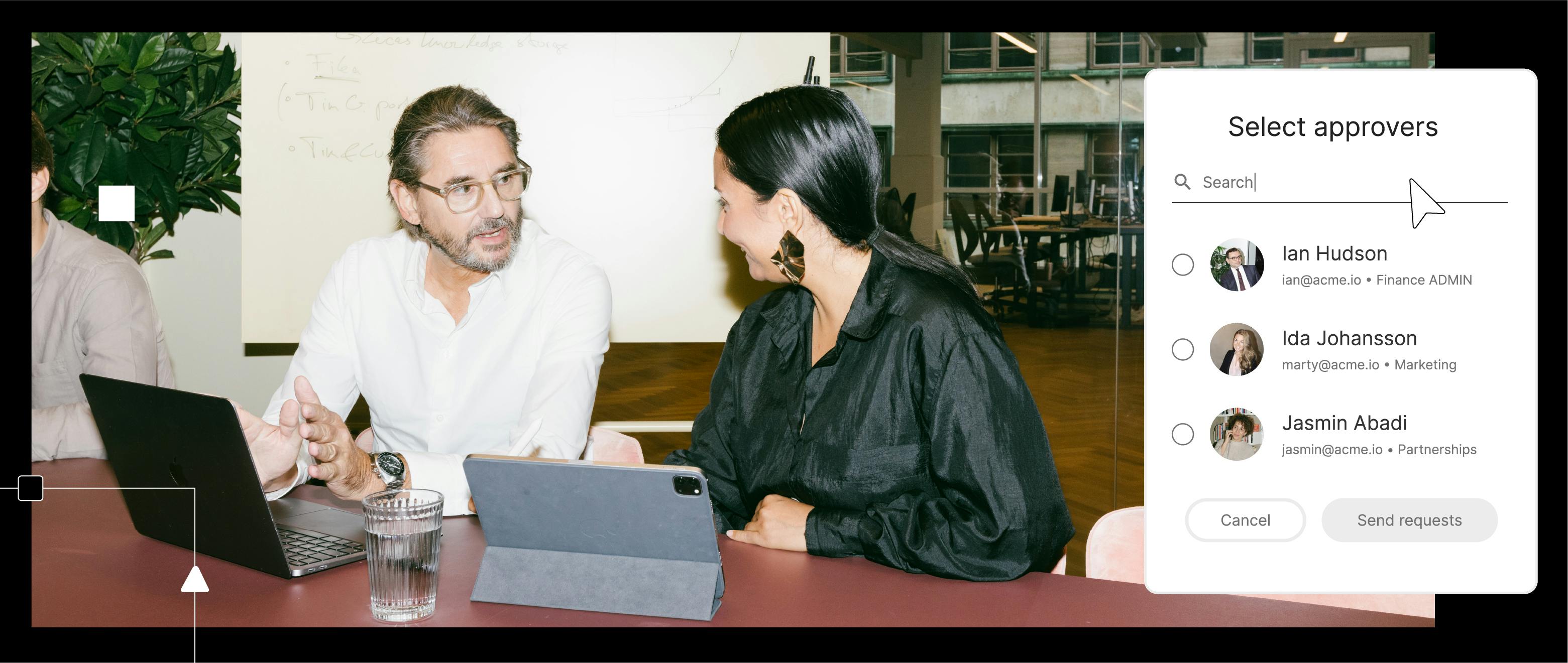


Getting started
Everything you need to know on getting the best start to Pleo

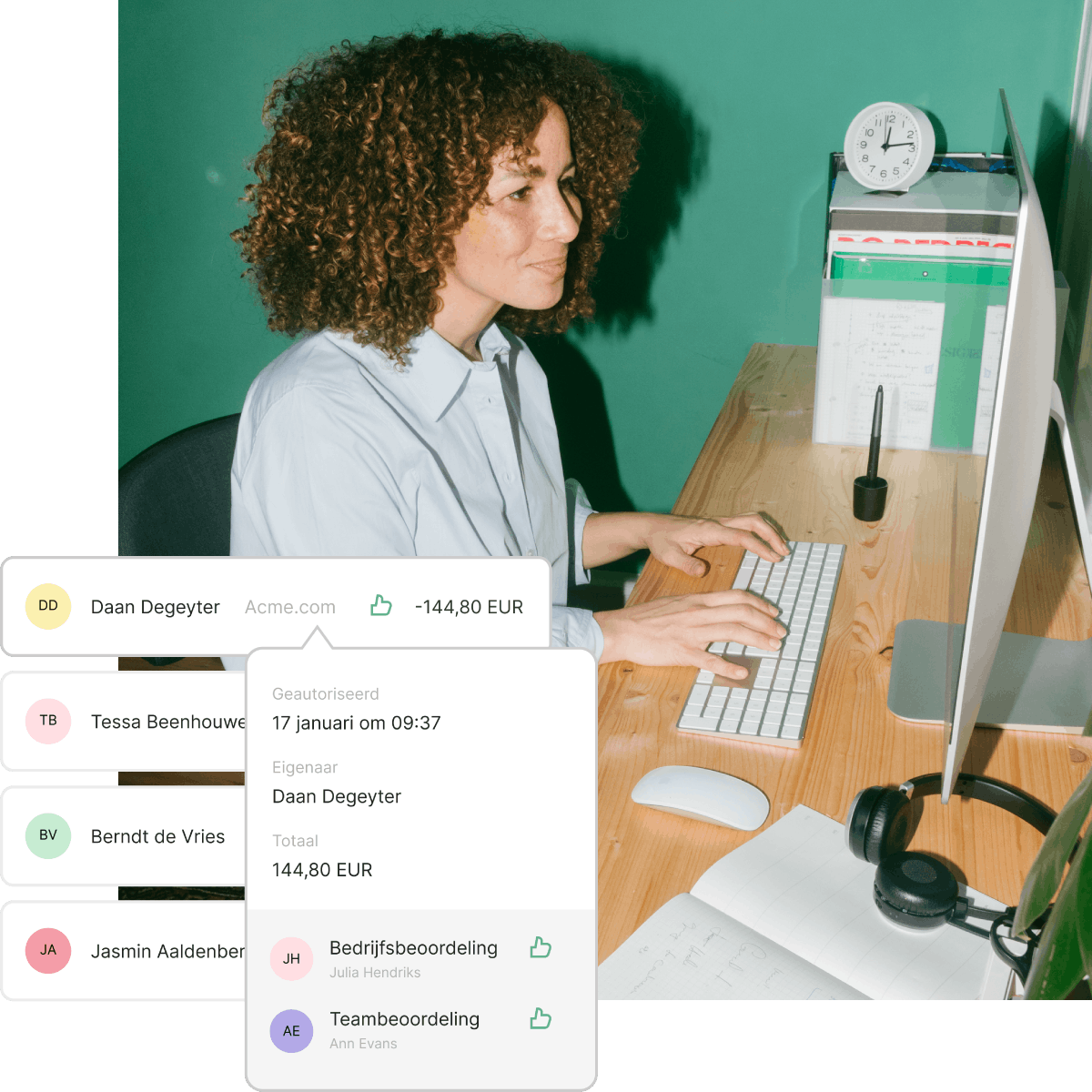
Controls with Pleo
Get peace of mind by knowing how to control and monitor business spending
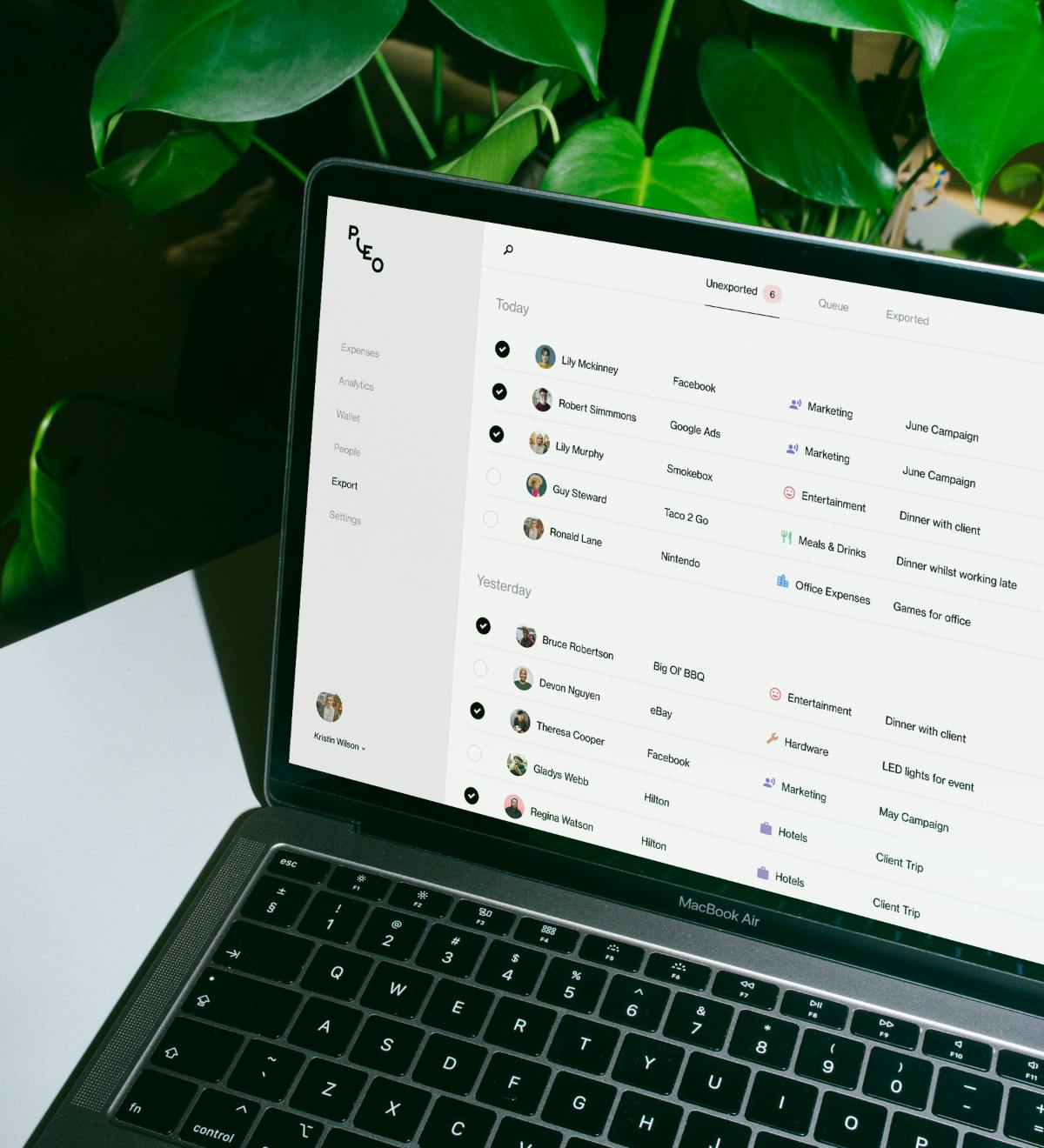
Accounting and bookkeeping
Integrate with your chosen system and streamline your spend management
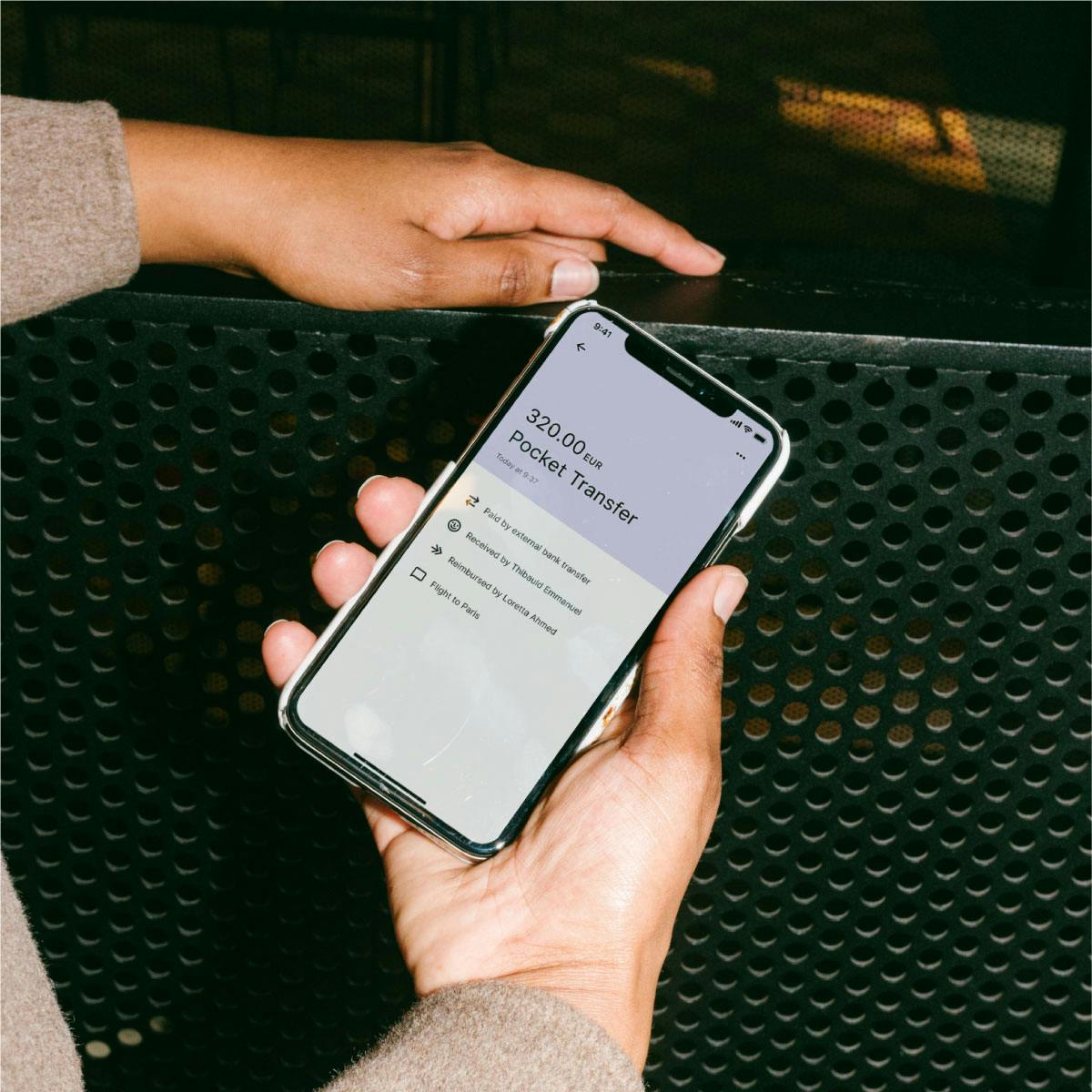
Spend optimisation
Discover our key features for streamlining your business spending
FAQ's
Yes! When you sign up to Pleo without a plan, you will be automatically entered into a trial period for 21 days.
If you have not already, we recommend uploading your companies documents for verification under the Getting started section on the left hand menu. Once uploaded it can take 2-5 business days to be verified and have access to the platform. You can always sign up for our weekly onboarding webinars where we walk you through the essentials for a great start.
To submit a reimbursement, we recommend using the mobile app. Click on the + sign on the top right and tap out-of-pocket expense. Take a picture of the receipt and fill in all required details. Add your reimbursement account details in the mobile app by tapping Account, select Reimbursement Methods and finally Add Bank Account
For expenses to reach your bookkeeping system, they will need to be exported by an admin or bookkeeper. This means all expenses will be 'ready' and require little to no processing once exported. Click on Export to view all expenses ready to be processed and sent to your chosen accounting system.
Go to the left hand menu and click Settings. Select General and under that you will see your Billing tab with all the information required to understand your plan, your next billing date and an option to upgrade for more features.
24/7 onboarding – it's easy

Accounting2:30 mins
Top tips for closing month-end faster
Make exports more efficient with filters, bulk edits, review details and more.

Reimbursements1 min
How to set up direct reimbursements
Save time and let employees manage their own reimbursement payments.


Accounting4 mins
Exporting Pleo transactions into Xero
Learn how to review and transfer your Pleo expenses to Xero.

Spend Controls2 mins
Reviewing and approving expenses
Approvers can review their team’s expenses in real-time – here’s how.
Reimbursements1 min
Submitting a reimbursement
Learn how to add an out-of-pocket expense on Pleo’s mobile app to get reimbursed.