Skip to content

Multi-currency. Hold, trade and pay.

Save on Foreign Exchange fees when you hold, exchange, pay supplier invoices, and spend on your card.

Trusted by 40,000+ companies across Europe

  • Soho House Logo
  • Blinkist Logo
  • Hello Fresh Logo
  • Lyst Logo
  • Unity Logo
  • The Ocean Cleanup Logo
  • Trade Republic Logo
  • Too Good To Go Logo

Convert currencies and pay in no time

When we say multi-currency. We mean it.

No more tool fragmentation and unnecessary conversion fees. Here’s how it works.

Currency accounts

Hold and pay in EUR, GBP, USD, DKK, SEK and NOK.

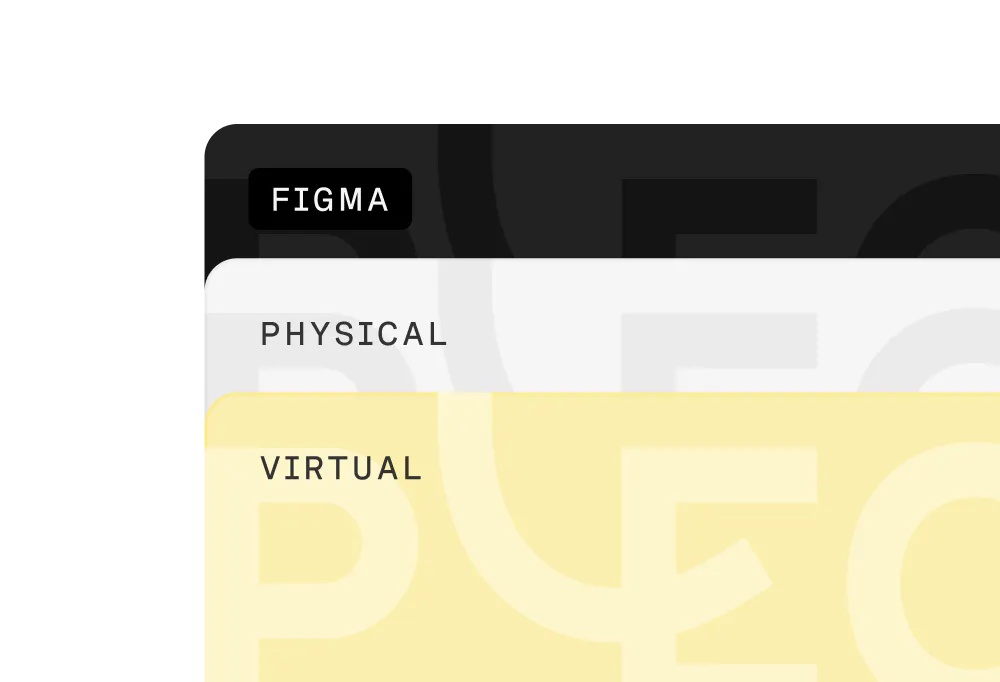
Multi-currency cards

Pay anywhere and your card auto-detects the currency.
Currency exchange

Swap currencies in Pleo to fund accounts fast.

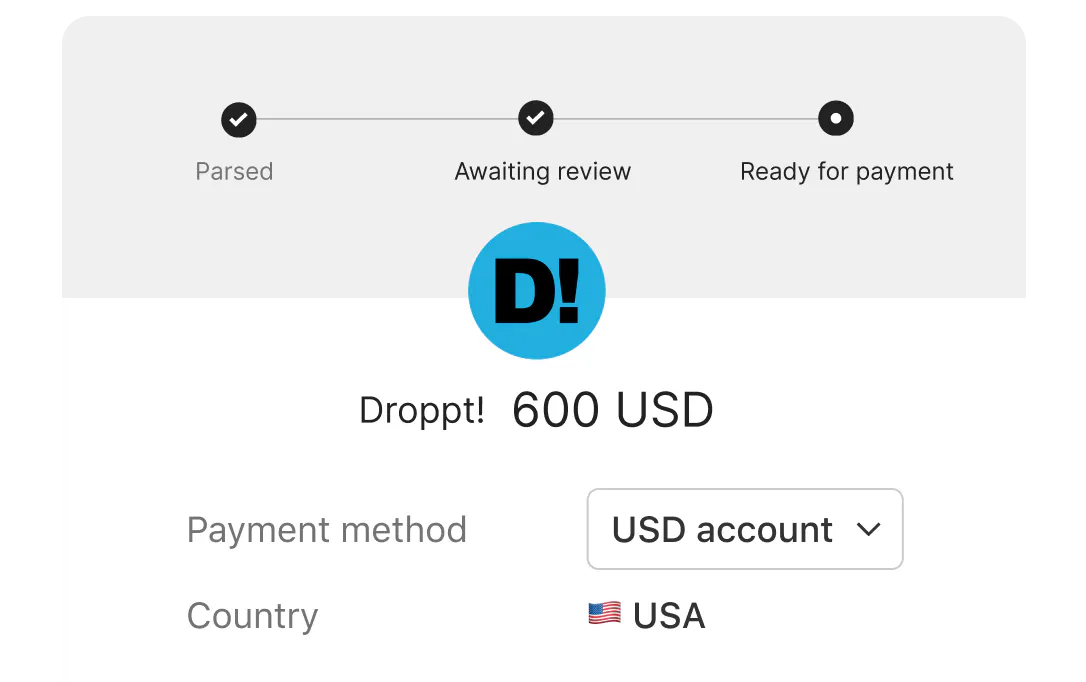
Invoice payments

Pay global suppliers straight from your currency accounts.
Automatic reconciliation

Set contra accounts for each currency to sync all transactions with your books.

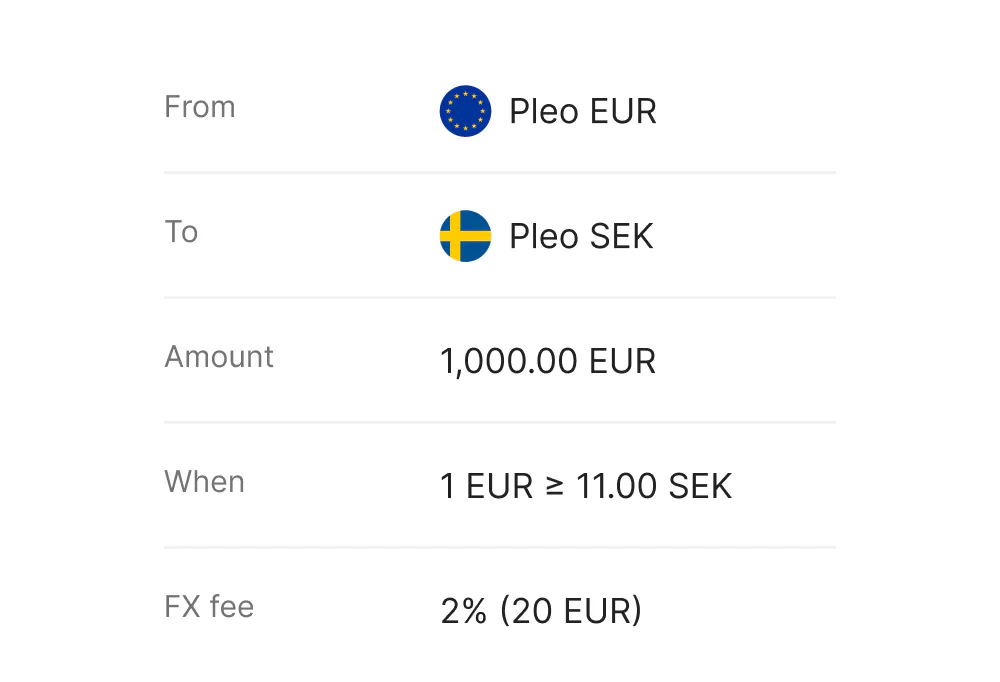
Auto-conversion

Set auto-conversion rules that kick in when exchange rates hit your target.
"Our currency conversion costs dropped, and moving funds between Danish kroner and euros is now instant. Not having to switch between different systems all day also removes a lot of small frustrations."

Henrik Fröhlich Finance Director at O.S. Energy

Stop FX leakage today.

  • Get currency clarity
  • Pay global suppliers
  • Reduce FX costs

Got questions?

Pleo multi-currency lets you hold balances in multiple currencies, convert between them in-app, and use those funded currency accounts to pay with cards or pay invoices—so you can reduce unnecessary FX conversions and manage global spend in one place.

You can hold and manage up to six currencies in Pleo: EUR, GBP, USD, DKK, SEK, and NOK

Yes. You can top up your multi-currency balances directly in any supported currency.

Yes. You can convert funds between your currency accounts (e.g., GBP to EUR) in the Pleo app. Any applicable fee is shown during the transaction.

With a single multi-currency card, Pleo automatically detects the purchase currency and charges the matching currency account. So cardholders don’t need to switch anything manually.

If the matching currency account doesn’t have sufficient funds, Pleo will attempt to settle the transaction from the default (main) currency account, and a currency conversion fee may apply.

If a card is assigned to a sub-account and a payment exceeds the available balance, the transaction may be declined due to insufficient funds. This helps prevent overspending.
Admins can move funds into the sub-account manually or automate this with transfer rules (where available) to keep critical spending funded.

Yes. You can pay invoices to foreign suppliers directly from your currency accounts.

New cards created after enabling multi-currency will be multi-currency by default, but existing employee cards may need to be replaced.

You can map a separate contra account for each currency to keep exports and reconciliation accurate across currencies.

Yes. You can set auto-conversion/transfer rules that trigger when exchange rates hit your target.

Yes. Customers with no compatible integration can still use multi-currency, and use CSV exports and manual bookkeeping and reconciliation.

Not always. Payments made in one of your six currencies have 0% FX fee as long as your currency accounts are funded.

You can top up your currency accounts for free via bank transfer in a matching currency, or by exchanging currencies directly in Pleo. Currency exchanges incur an FX fee, which varies based on your Pleo plan.