Free invoice generator
Create an invoice in moments with our free online invoice maker.

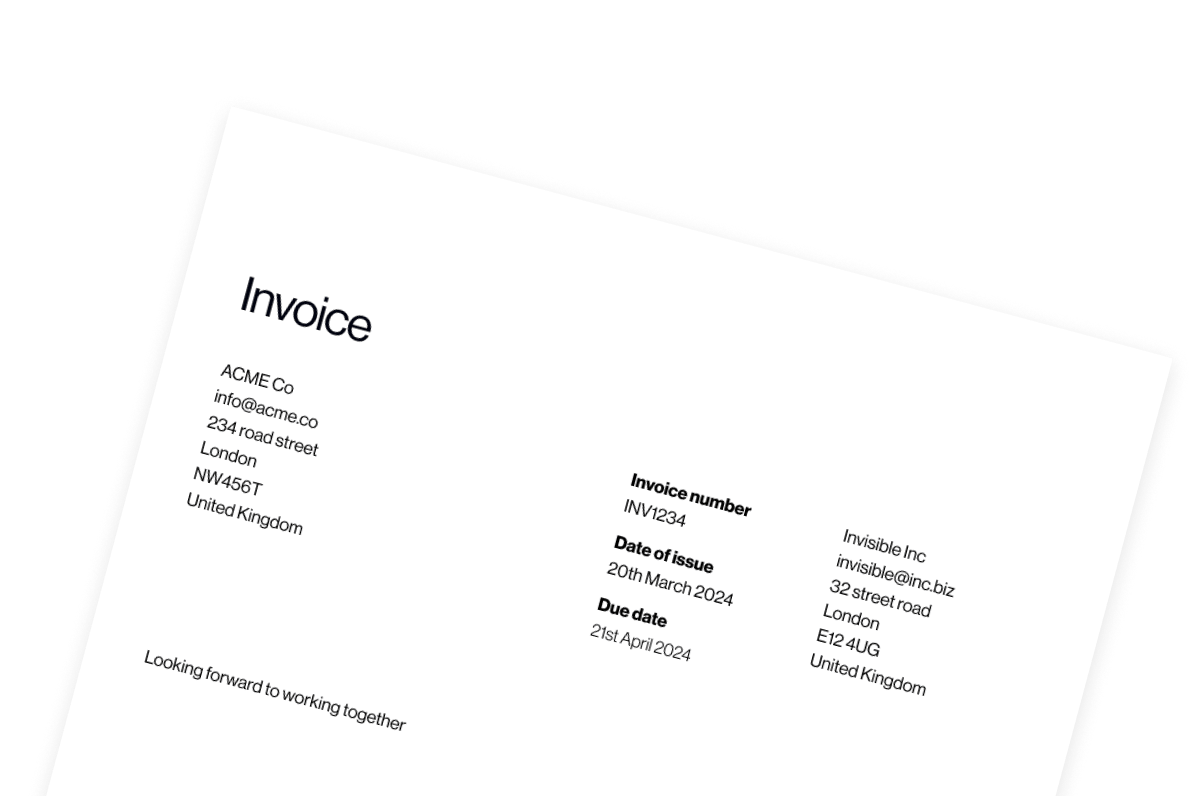
Create your invoice
Create and send professional invoices in minutes
An invoice is more than just a payment request: it’s a formal document that protects your business, clarifies expectations and ensures you get paid on time.
Our free invoice generator helps you create polished, professional invoices in seconds. Just fill in your details, add your items and download a ready-to-send invoice – no sign-up required. Whether you’re a freelancer, contractor, small business owner or growing company, this tool makes invoicing simple.
How to use the free invoice generator
Our free invoice generator includes everything you need to create a clear, complete invoice. Here’s how to fill it out correctly:
- Add your invoice details, starting with the core information: the invoice number, the date you’re sending the invoice and when payment is due. Upload your logo for a professional finish and select the currency you’re billing in.
- Fill in your company details. This ensures your client knows exactly who the invoice is from – and that the invoice meets accounting and tax requirements.
- Next, enter your client’s information. This makes it easier for clients to process payment internally and reduces the likelihood of disputes.
- Enter your invoice items. For each item, include a clear description of the product or service, number of units or hours and cost per unit. The total is calculated automatically. You can click ‘Add item’ to include multiple products or services.
- You can use the Notes field to provide extra context, such as project references, delivery dates, purchase order numbers or payment instructions. Use the Terms section to state your payment terms (e.g., ‘Net 14’ or ‘Net 30’), late payment policies or any contractual details.
- At the bottom of the invoice generator, you’ll see subtotal, tax, tax total and total amount due. If you’re VAT registered, include the correct tax rate on your invoice – the rest are calculated automatically.
And that’s it. Always check the tax rules in your country to ensure your invoice is compliant – and double-check all totals to make sure everything adds up correctly before sending.
What makes a good invoice?
A professional invoice should be:
- Clear: The client should immediately understand what they’re paying for and when payment is due.
- Complete: Include all legal and tax information required in your country.
- Branded: Your logo and consistent formatting reinforce professionalism.
- Easy to process: Well-structured invoices help your client’s finance team approve payment faster.
It’s about creating a smooth experience. The easier you make it for your clients to pay you, the faster you’ll get paid.
Why proper invoicing matters
Invoices aren’t just administrative paperwork – they directly affect your cash flow.
Late payments often happen because of issues like:
- Missing invoice numbers
- Unclear payment terms
- Incorrect tax information
- Incomplete company details
Using a structured invoice template reduces errors and protects your revenue.
For freelancers and small businesses especially, consistent invoicing builds not only financial stability, but also credibility – an essential aspect of forging lasting professional relationships.
Go beyond manual invoicing with Pleo
With our invoice generator, you can create professional invoices quickly – but creating invoices is just one side of the cash flow equation. Processing incoming invoices is where things often slow down.
Luckily, Pleo Accounts Payable is here to help your finance team manage and pay invoices 5× faster – without the busywork.
With Pleo Accounts Payable, key details like amounts, payment terms and VAT are captured automatically whenever invoices land in your Pleo inbox. Set smart approval rules by amount, team or project; Pleo routes each invoice to the right person. No bottlenecks, no confusion.
Once approved, pay vendors directly from your Pleo account – locally or globally – and even schedule payments for their exact due date.
Pleo Accounts Payable means more control and less admin, with features like:
- Automatic data capture (no manual typing)
- Built-in duplicate detection
- PO matching and discrepancy flags
- Real-time sync with your accounting system
Faster approvals, fewer errors and full visibility over outgoing cash.
Our free invoice generator helps you create invoices – and Pleo Accounts Payable helps you stay on top of them. Try Pleo Accounts Payable today.
Anyone who needs to bill clients can benefit – freelancers, contractors, small business owners or even growing teams. If you want to create professional, accurate invoices quickly and reduce errors, an invoice generator is a huge time-saver.
That depends on your location and business registration status. If you’re VAT registered, you’ll typically need to include tax details. Always check your local tax regulations.
Manual invoicing takes time and is prone to mistakes. With Pleo Accounts Payable, you can automate the process. Capture invoices automatically, extract key details like amounts and VAT, route approvals and send payments directly from your account. Fast, accurate and completely hassle-free.