Simplify company expenses with Pleo and Billy.
Sync up all your company expenses, receipts and account numbers with Billy. Save yourself and your team from boring, time-wasting expense headaches.

#1 Ausgabentool in Europa
1480+ top Bewertungen

Höchste EU-Sicherheitsstandards
FSA & PCI reguliert

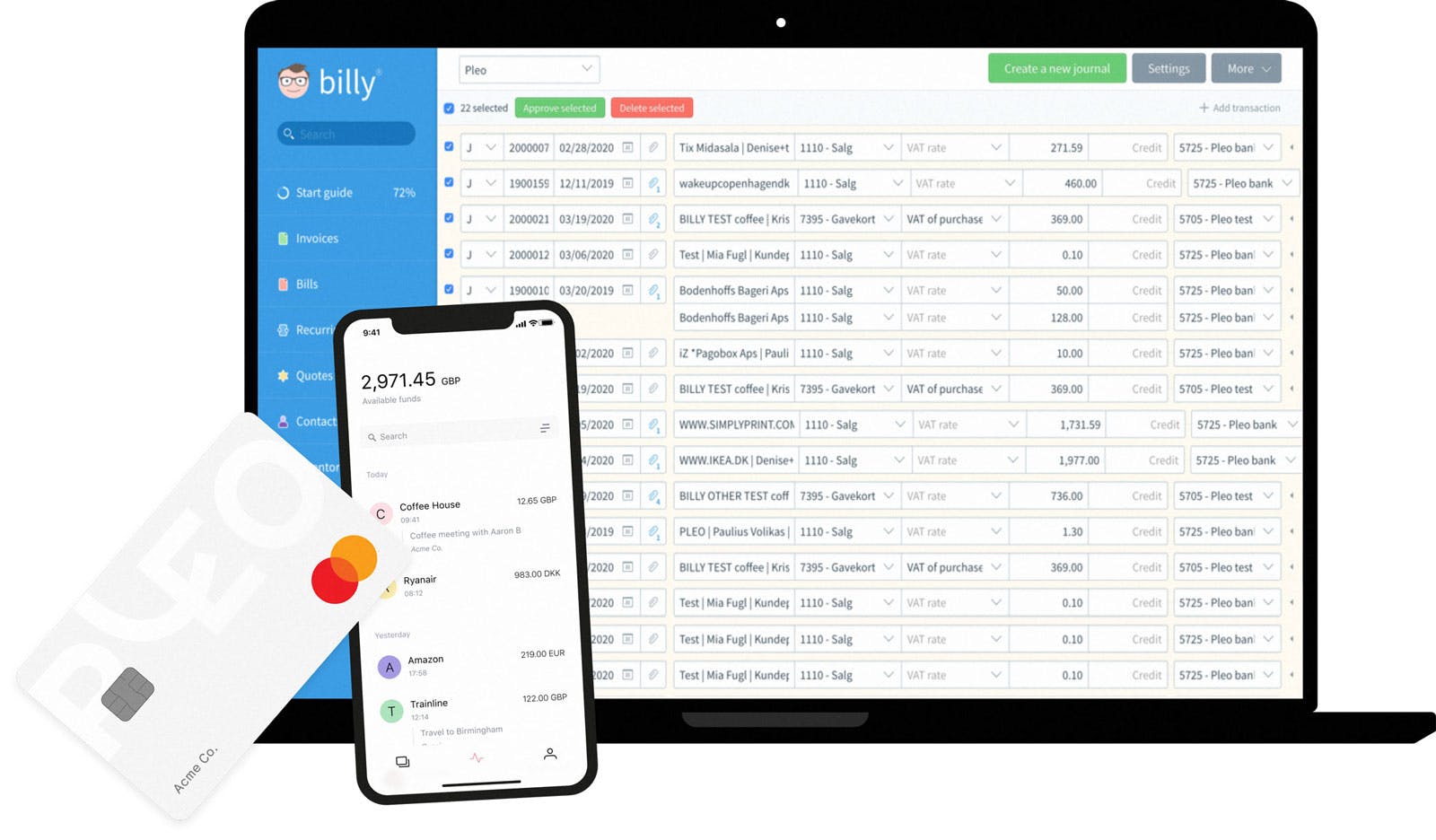
Eine Komplettlösung, Tausende glückliche Unternehmen




Here's how Pleo works...

Power to your people
Your team get their own virtual or plastic Pleo cards.

Automated expense reports
Receipts are captured on-the-go, no more paperwork.
... and here's how Pleo works with Billy

Flawless integration
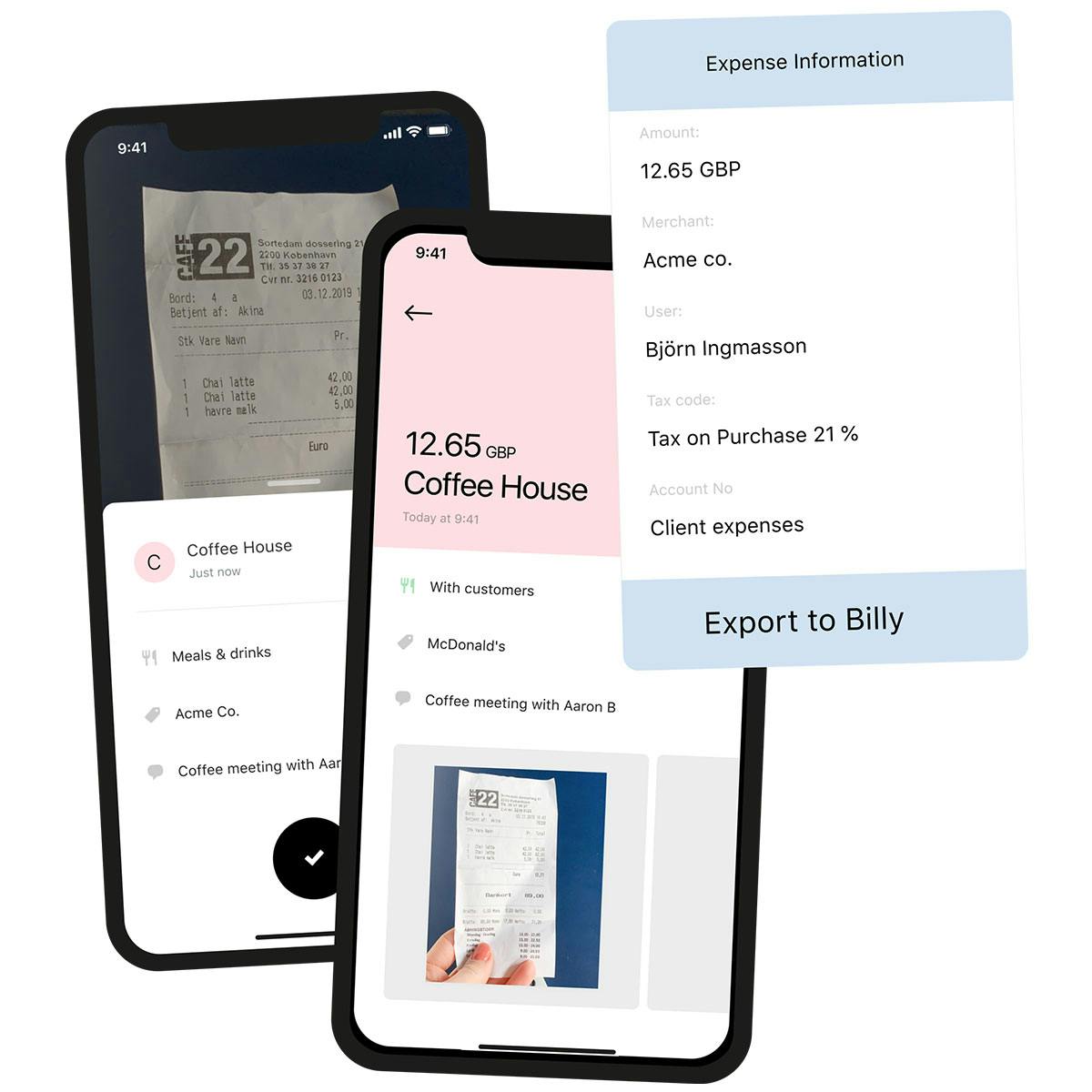
Easily send purchase data, receipts, account numbers and notes directly to the desired cash journal in Billy.

Error?! No thanks
Manual expenses mean human error. Sad but true. Our integration removes that risk, to make syncing every purchase seamless.

Accurate accounting
Split expenses so you can export to two or more different Billy accounts.

Sharper forecasts
The Pleo integration lets you track spending, ensuring you can make accurate plans.
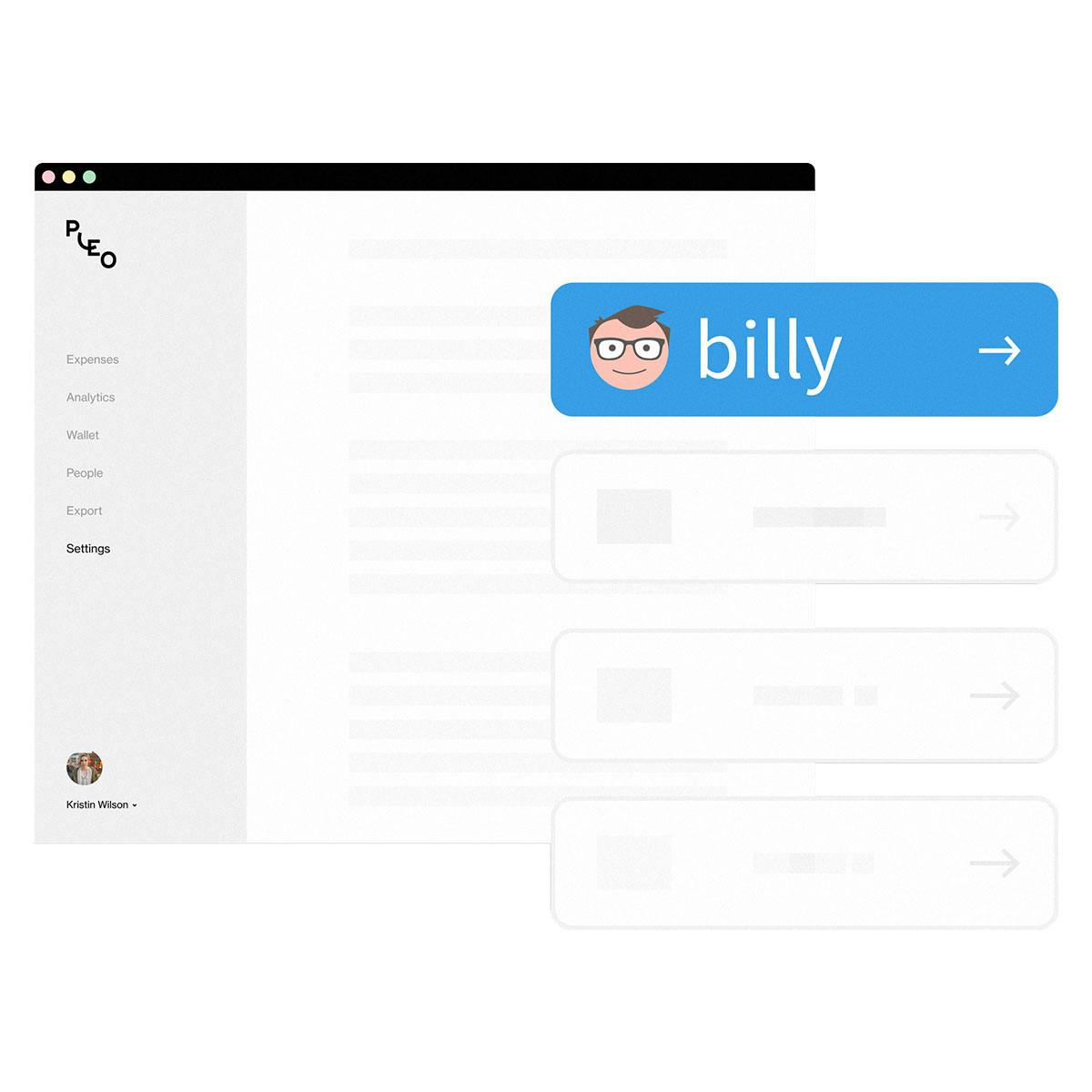
Connect Pleo and Billy in just a few clicks
Integrating your Billy account with Pleo is straightforward – and fast.

Sync all of your spending data, including receipts
Complete purchase data is pushed to Billy to match your accounting records. That includes receipts, account numbers and notes.
Save (a lot of) time, reduce manual errors
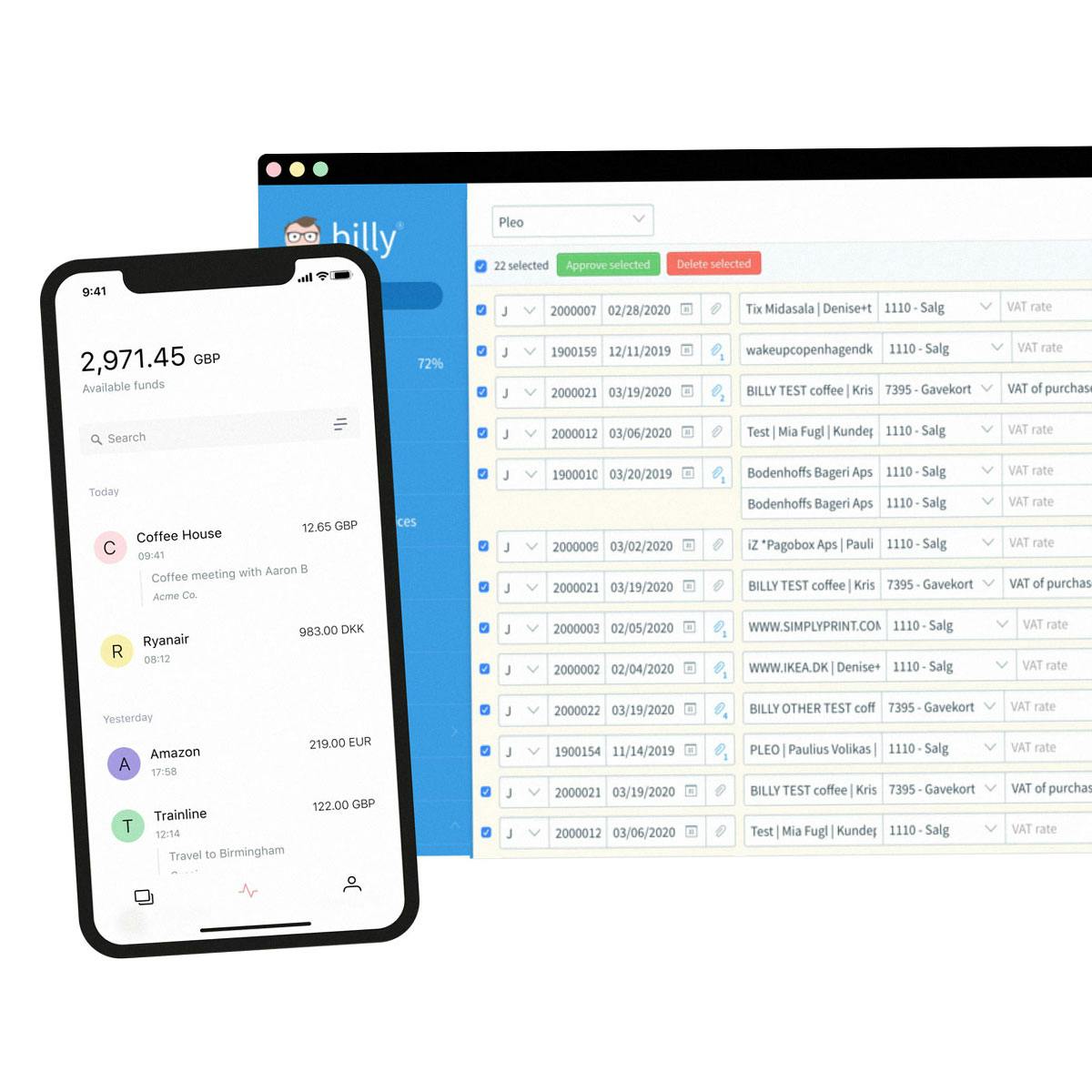
Pleo automates expenses, helping you to focus on other things. We even remind your team if they’re missing receipts.
Questions?
When logged into Billy, you need to create a new account named Pleo and a journal to match. Then log in to Pleo, head to the Settings page and choose Billy from the Accounting list. Follow the instructions, it doesn’t take long. Want a step-by-step guide? No problem.
When logged into Pleo, go to the Categories page. Create and map your categories in Pleo to reflect your Xero nominal codes. Once that's done, you will see your Default Tax Code from Xero applied.
When logged into Pleo, head to the Settings page and select the Accounting tab. Xero will show as "Connected" to Pleo and underneath will be a Direct Feed option. Once that's ticked, head to Xero and refresh your Pleo back account page. Now, Pleo will automatically send statement data to Xero, twice a day. There's a lot more on how it works here.
"No more chasing invoices here, there and everywhere. No more build-up of payments to be made."
Victoria Cozens Co-Founder


Was Pleo sonst noch kann …

Integration leicht gemacht
Smartes Ausgabenmanagement für alle! Pleo lässt sich mit jeder Buchhaltungssoftware verknüpfen.

Geld sparen mit Perks
Exklusive Deals und Rabatte für Tools, Software & Co, die unsere Kundschaft liebt.

1, 2, 3 – Fetch!
Fetch findet Rechnungsbelege automatisch im E-Mail-Postfach. Weniger Arbeit für Sie & Ihre Buchhaltung.
Mehr als 40.000 Unternehmen setzen bereits auf Pleo
.svg)





.svg)





Top bewertet auf allen relevanten Plattformen




Durchstarten mit Pleo
Schließen Sie sich über 40.000 Unternehmen an. Jetzt mit der kostenlosen Testversion starten.