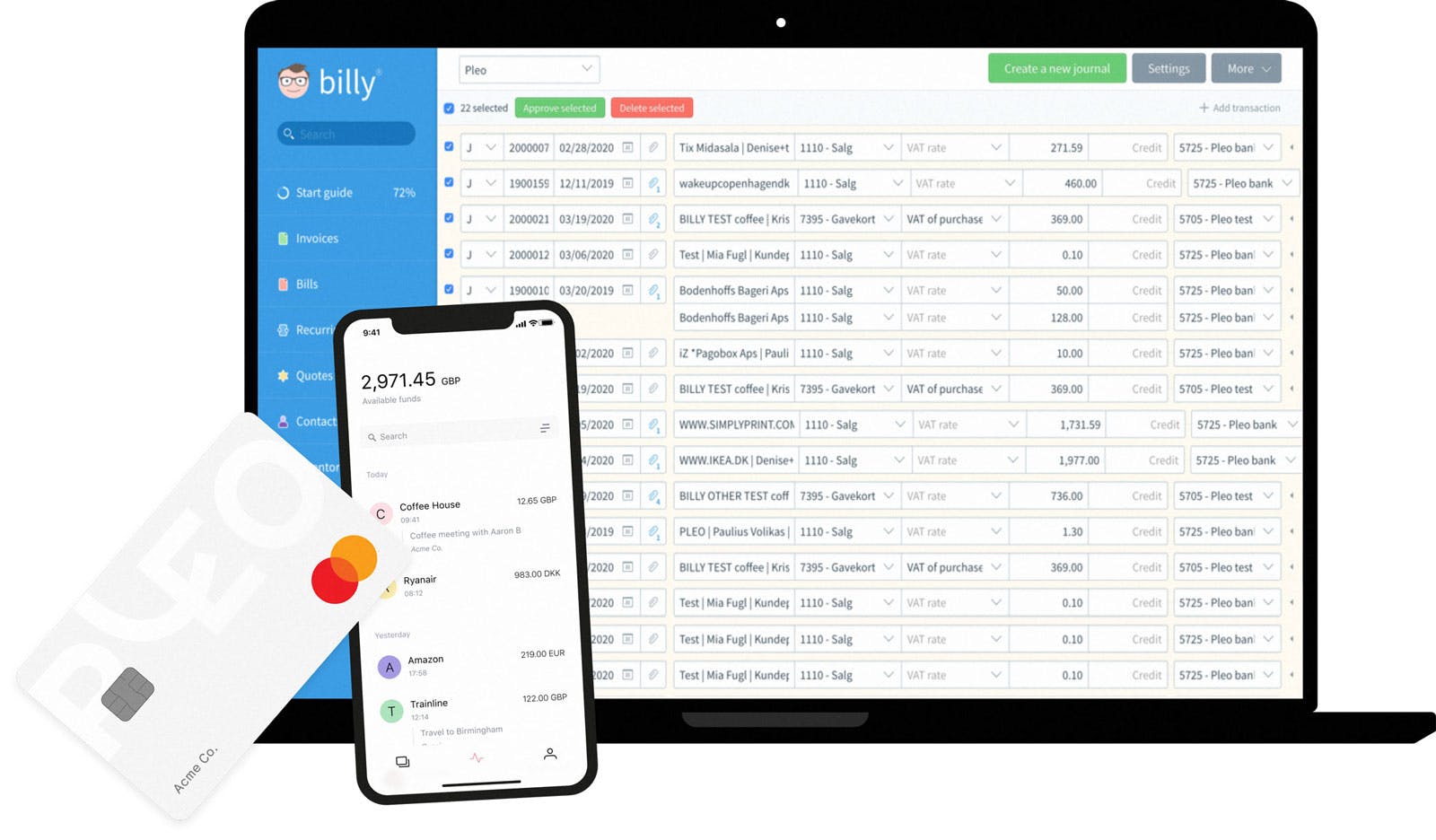
Simplify company expenses with Pleo and Billy.
Sync up all your company expenses, receipts and account numbers with Billy. Save yourself and your team from boring, time-wasting expense headaches.

Considerada la herramienta nº1 en Europa
+1480 reseñas cinco estrellas

Seguridad financiera garantizada
Regulación FSA & PCI

Una solución, miles de empresas satisfechas




Here's how Pleo works...

Power to your people
Your team get their own virtual or plastic Pleo cards.

Automated expense reports
Receipts are captured on-the-go, no more paperwork.
... and here's how Pleo works with Billy

Flawless integration
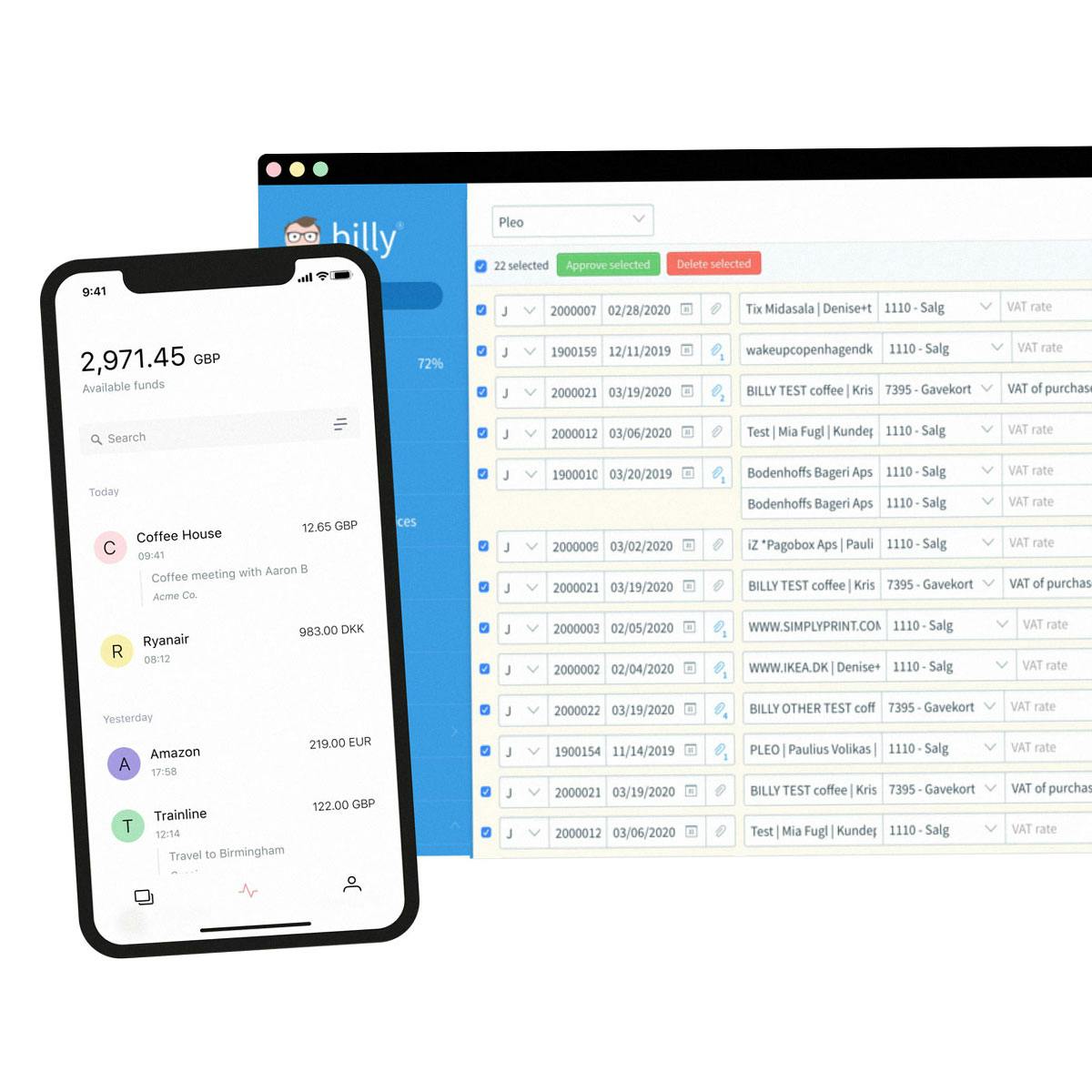
Easily send purchase data, receipts, account numbers and notes directly to the desired cash journal in Billy.

Error?! No thanks
Manual expenses mean human error. Sad but true. Our integration removes that risk, to make syncing every purchase seamless.

Accurate accounting
Split expenses so you can export to two or more different Billy accounts.

Sharper forecasts
The Pleo integration lets you track spending, ensuring you can make accurate plans.
Connect Pleo and Billy in just a few clicks
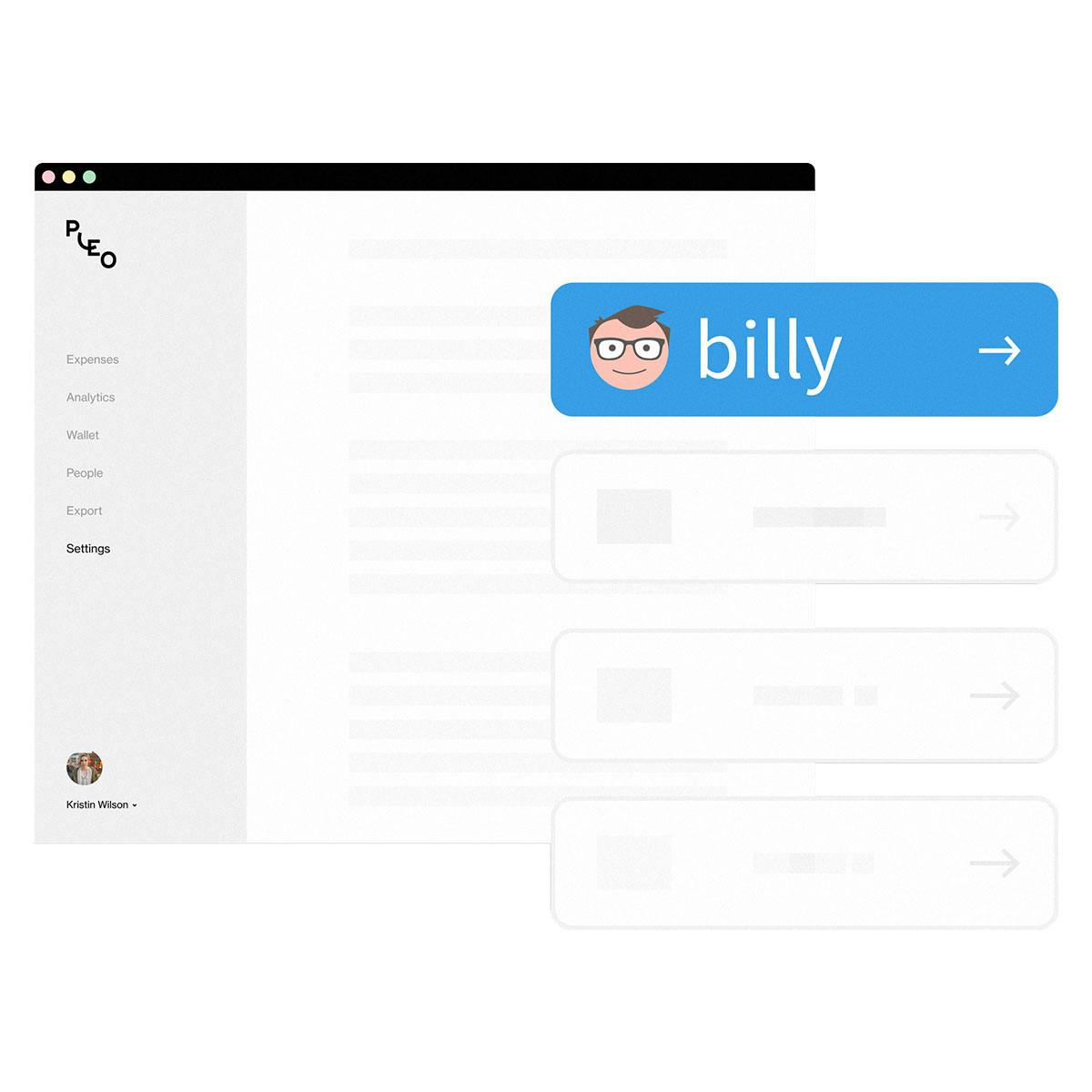
Integrating your Billy account with Pleo is straightforward – and fast.

Sync all of your spending data, including receipts
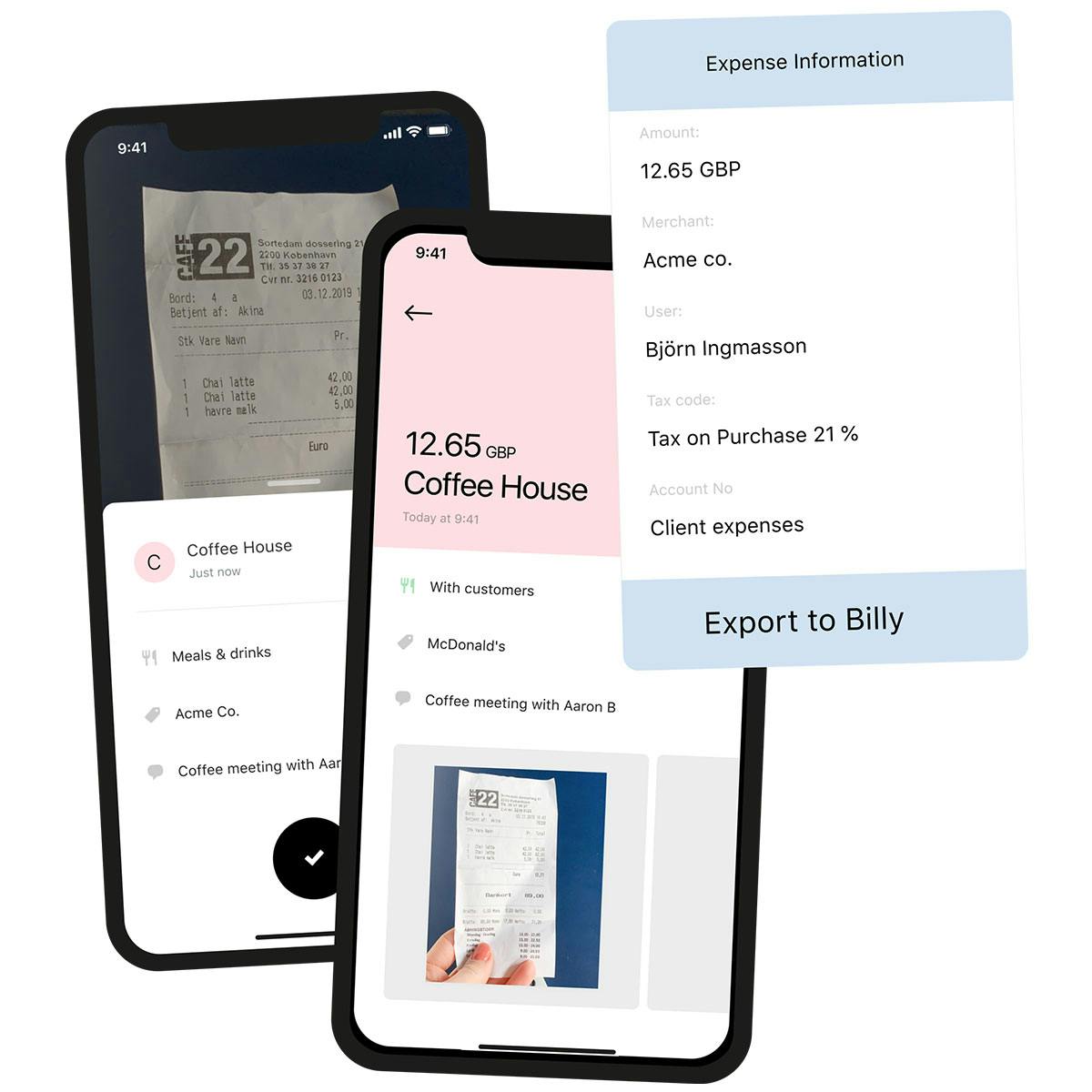
Complete purchase data is pushed to Billy to match your accounting records. That includes receipts, account numbers and notes.
Save (a lot of) time, reduce manual errors
Pleo automates expenses, helping you to focus on other things. We even remind your team if they’re missing receipts.
Questions?
When logged into Billy, you need to create a new account named Pleo and a journal to match. Then log in to Pleo, head to the Settings page and choose Billy from the Accounting list. Follow the instructions, it doesn’t take long. Want a step-by-step guide? No problem.
When logged into Pleo, go to the Categories page. Create and map your categories in Pleo to reflect your Xero nominal codes. Once that's done, you will see your Default Tax Code from Xero applied.
When logged into Pleo, head to the Settings page and select the Accounting tab. Xero will show as "Connected" to Pleo and underneath will be a Direct Feed option. Once that's ticked, head to Xero and refresh your Pleo back account page. Now, Pleo will automatically send statement data to Xero, twice a day. There's a lot more on how it works here.
"No more chasing invoices here, there and everywhere. No more build-up of payments to be made."
Victoria Cozens Co-Founder


Pero eso no es todo...

¿Qué sistema de contabilidad utilizas?
Somos compatibles con una gran variedad de herramientas. ¡Así el seguimiento de los gastos es mucho más fácil!

Ahorra dinero con nuestros Perks
Hemos desbloqueado ofertas y acuerdos exclusivos con todos aquellos negocios que nuestros clientes adoran.

1, 2, 3 – Fetch!
Nuestro buscador de tickets automático se sincroniza con tu email para facilitar la conciliación de tus compras online.
Más de 40.000 empresas ya confían en nosotros









Altamente valorado por nuestros clientes




Empieza con Pleo
Más de 40.000 clientes ya utilizan Pleo para controlar el gasto de su empresa. Pruébalo gratis.